Children get a simpler Kitty Board with their own jobs and Kitty Jar. Their hearts wait for a grown-up's OK. They don't need an email address.
Add a child
- Open Settings, then Family and friends, and tap Add a child.
- Enter their name, choose their colour, and pick a 4-number PIN they'll remember.
- Tap Add child. They're in your family straight away.
Children are free on the Family plan. On the Free plan, a child can be your one family member.
Set up their phone or tablet
- In Family and friends, tap Set up device next to your child.
- On their phone or tablet, open Kitty Board (or the link you're shown) and choose Setting up a child's device?
- Enter the code, then your child types their PIN. The code works once, for 15 minutes. Done: the device is theirs.
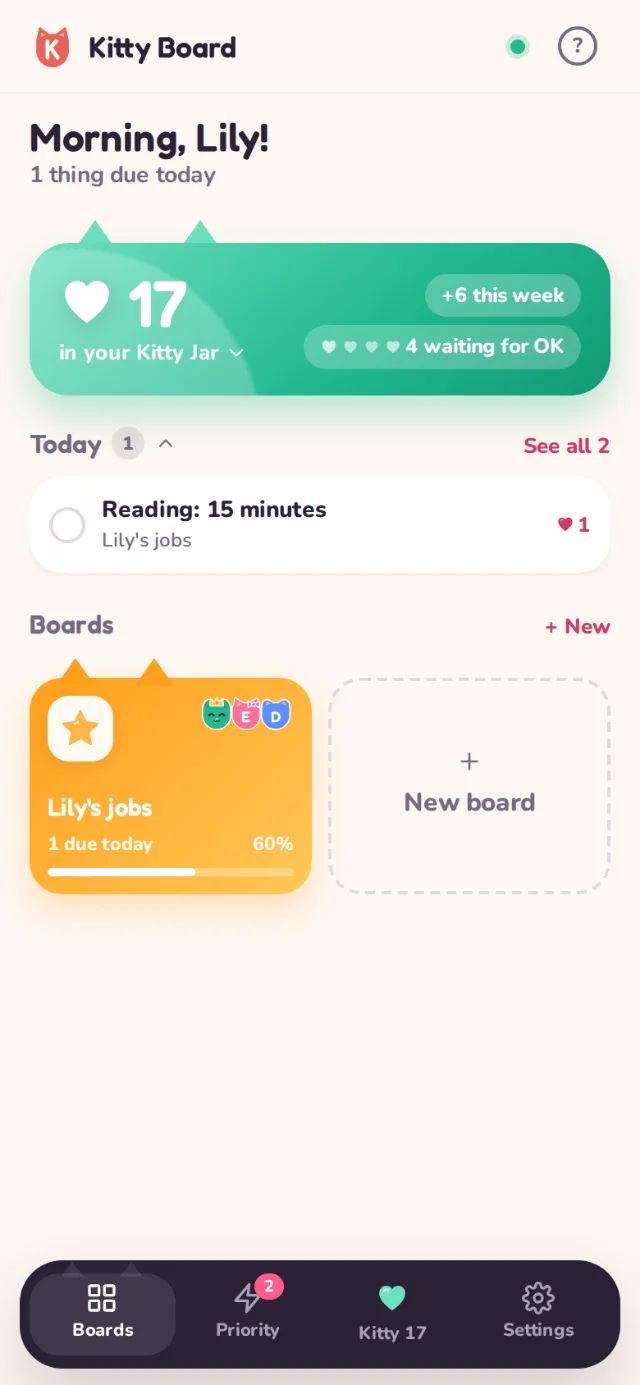
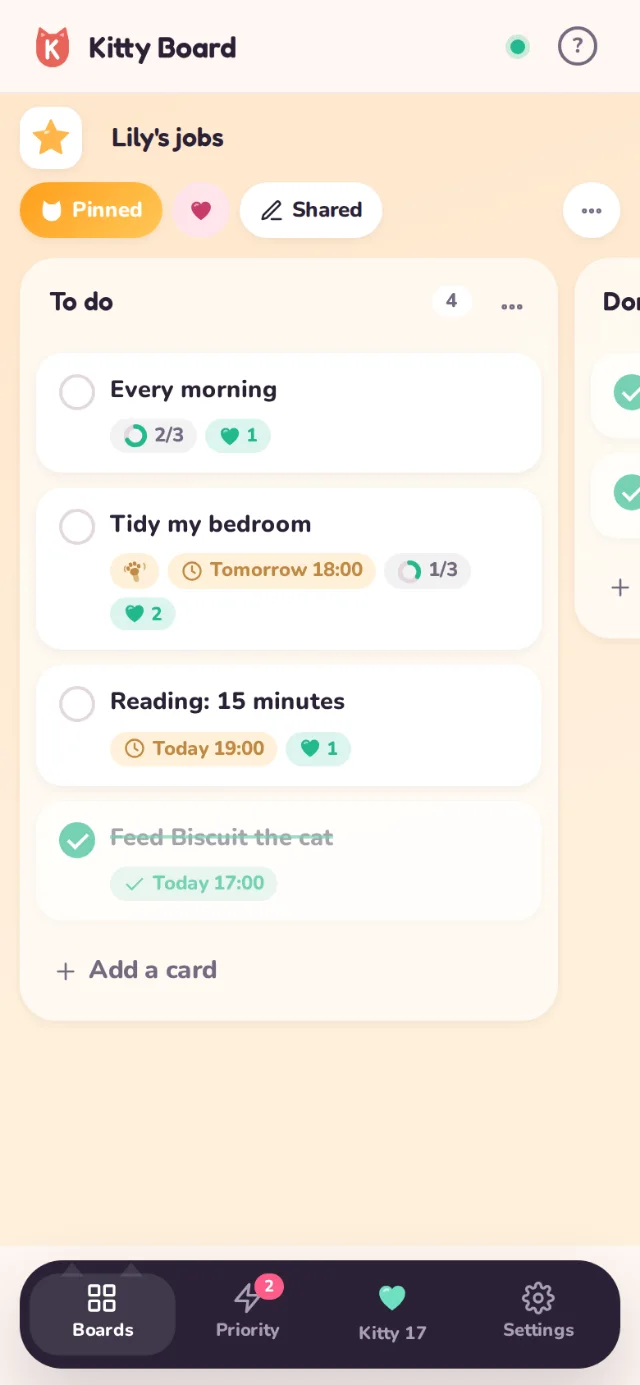
Give them jobs
Make a board for them (or let them make one). A child's boards are shared with their grown-ups from the start, so you can add jobs and hearts. Hearts on their boards are for them.
Saying OK
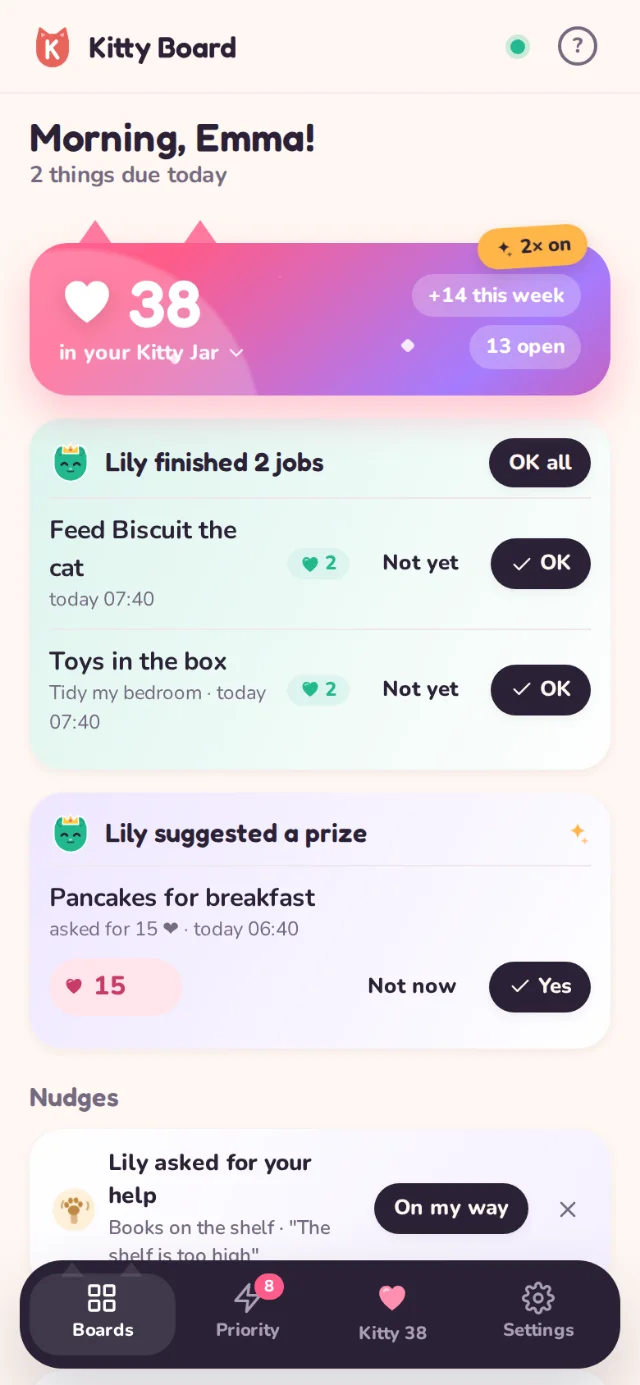
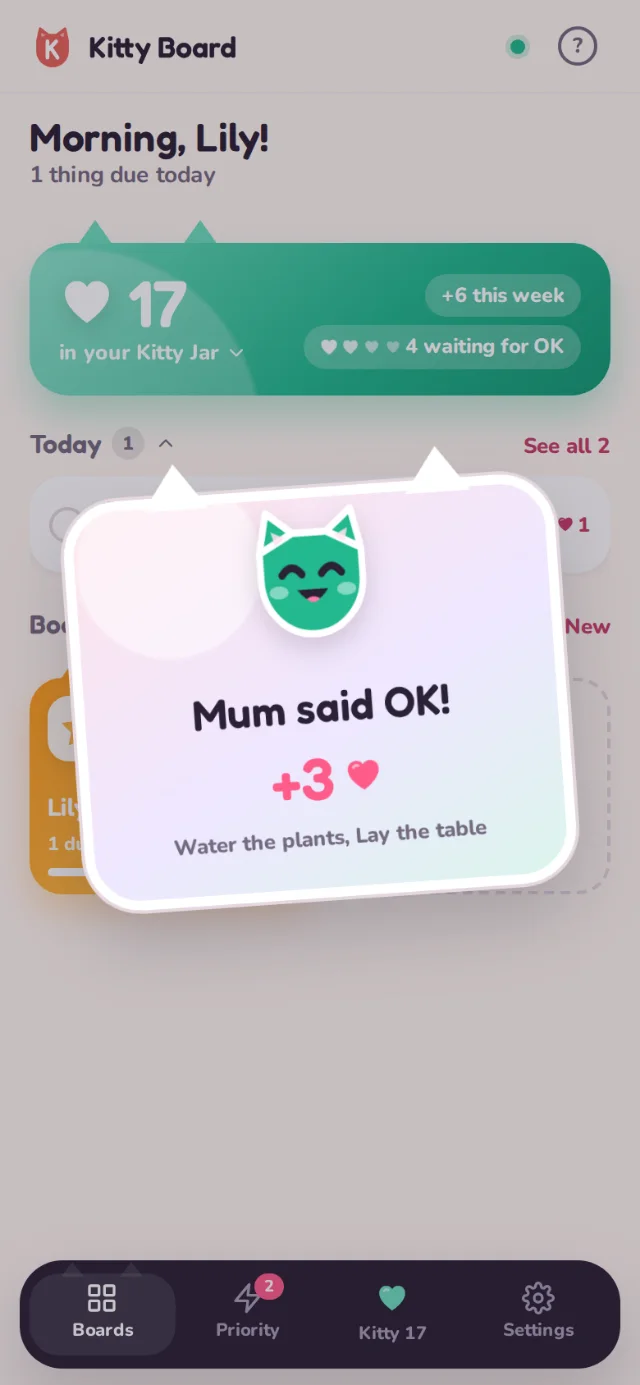
When they tick a job, it shows on your home screen with OK and Not yet. OK sends the hearts to their Kitty Jar with a celebration on their screen. Not yet puts the job back on their list.
Only a child's grown-ups see their Kitty Jar and prizes. See Privacy and children's data.