Hearts make the jobs that matter a bit more rewarding. Finish a job with hearts and they drop into your Kitty Jar. Like a jar of spare pennies, your kitty grows a little at a time, ready to spend on a prize.
Turn rewards on
When you make a board, tick Rewards. For a board you already have, open its ⋯ menu and turn Rewards on. (On the Free plan, one board can have rewards.)
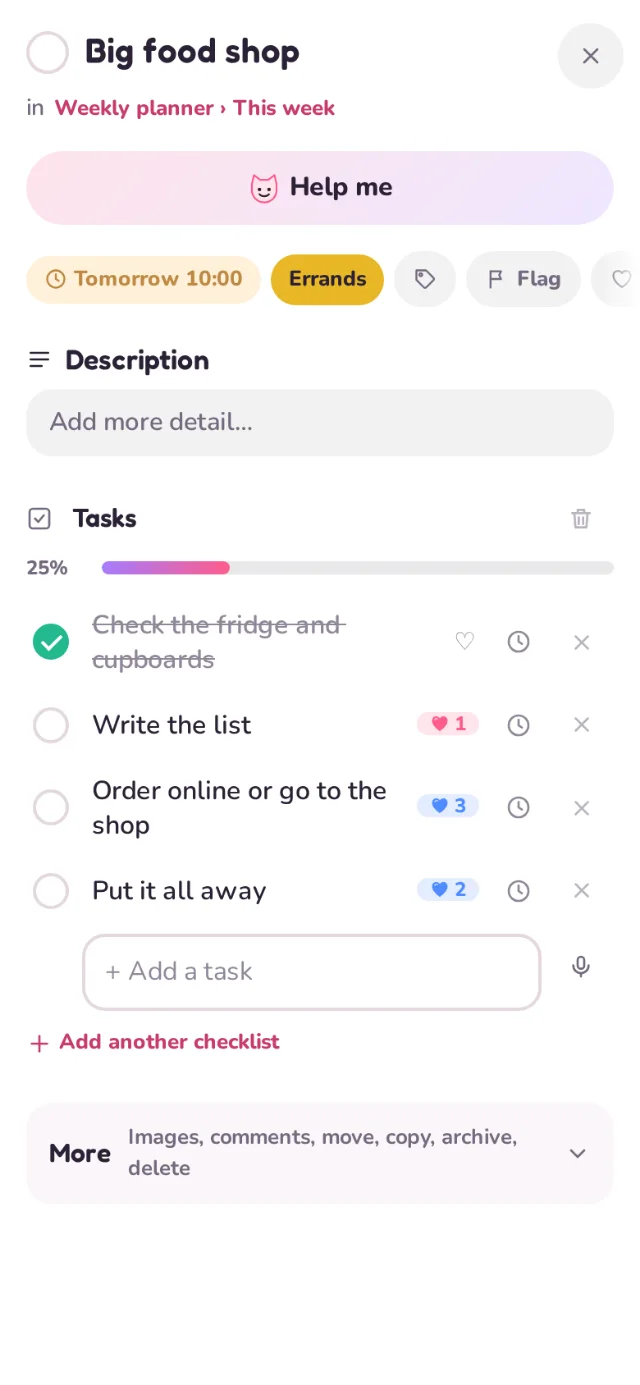
Put hearts on a job
- Open a card.
- Tap the heart next to a task (or the card's own heart).
- Choose 1 to 5 hearts, and on a shared board, who they're for.
Fill the kitty
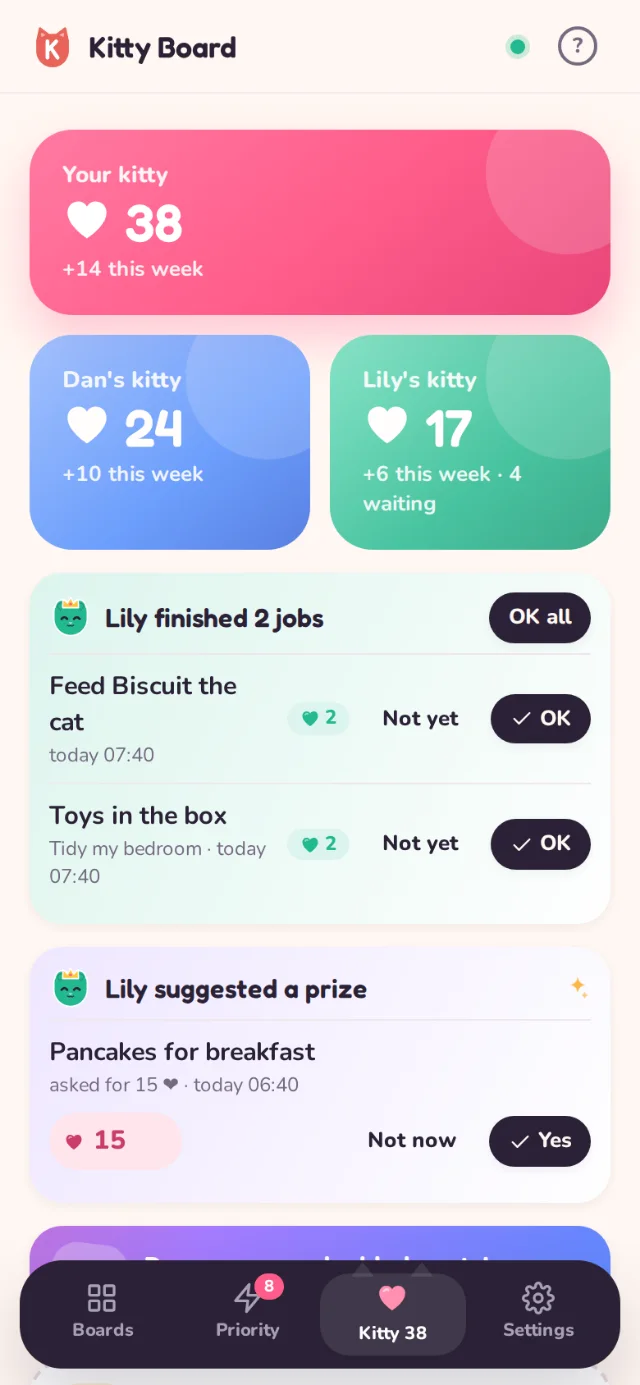
Tick the job and the hearts float up into that person's Kitty Jar, with a little burst. Untick it and they come back out, so it's always fair.
- Your Kitty Jar sits at the top of your home screen and lives in the Kitty tab.
- History in the Kitty Jar lists every heart in and out of your kitty.
- Grown-ups can add a bonus or a correction under Manage.
Hearts go to the person a job is for. A job for "both" on a shared board gives hearts to each of you when it is done.
Whose Kitty Jar can I see?
You see your own Kitty Jar, your partner's, and your children's. Children see only their own. Friends you share boards with never see your family kitty.