Kitty Board is a planner for real life: boards for your projects, cards for the jobs, and hearts that fill your Kitty Jar. Think of the family kitty: the pot you all chip in to, then spend on rewards together. Here's the quickest way in.
1. Sign up
- Open Kitty Board on your phone or computer. A short story shows what it does; tap Next or Skip.
- Enter your email. We send you a code (no password to remember). Type it in.
- Choose your name and colour. Your colour is how your hearts and Kitty Jar look to everyone.
2. Bring your family
Next you'll see Who's in your family? Invite your partner, add a child (no email needed), or skip it and do it later from Settings, Family and friends.
3. Make your first board
Pick a starter (Family jobs, Weekly planner, Personal to-do or Blank), or choose Help me build it and describe what you're planning. Your board opens straight away.
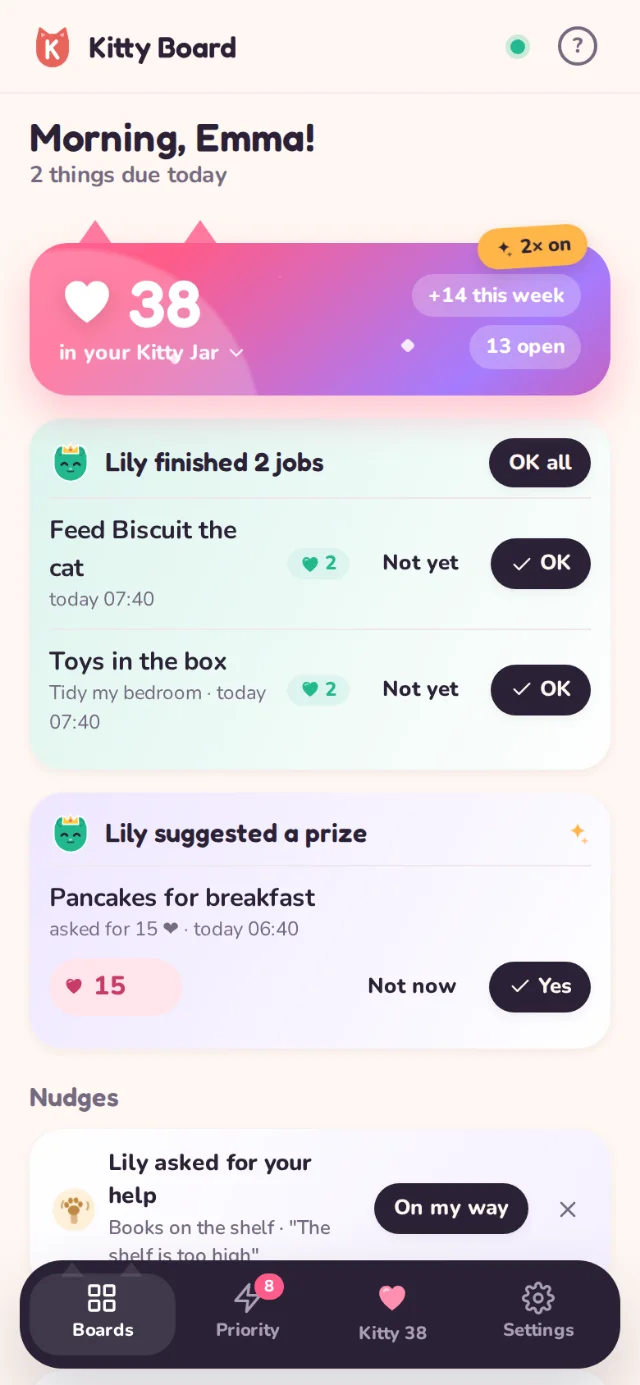
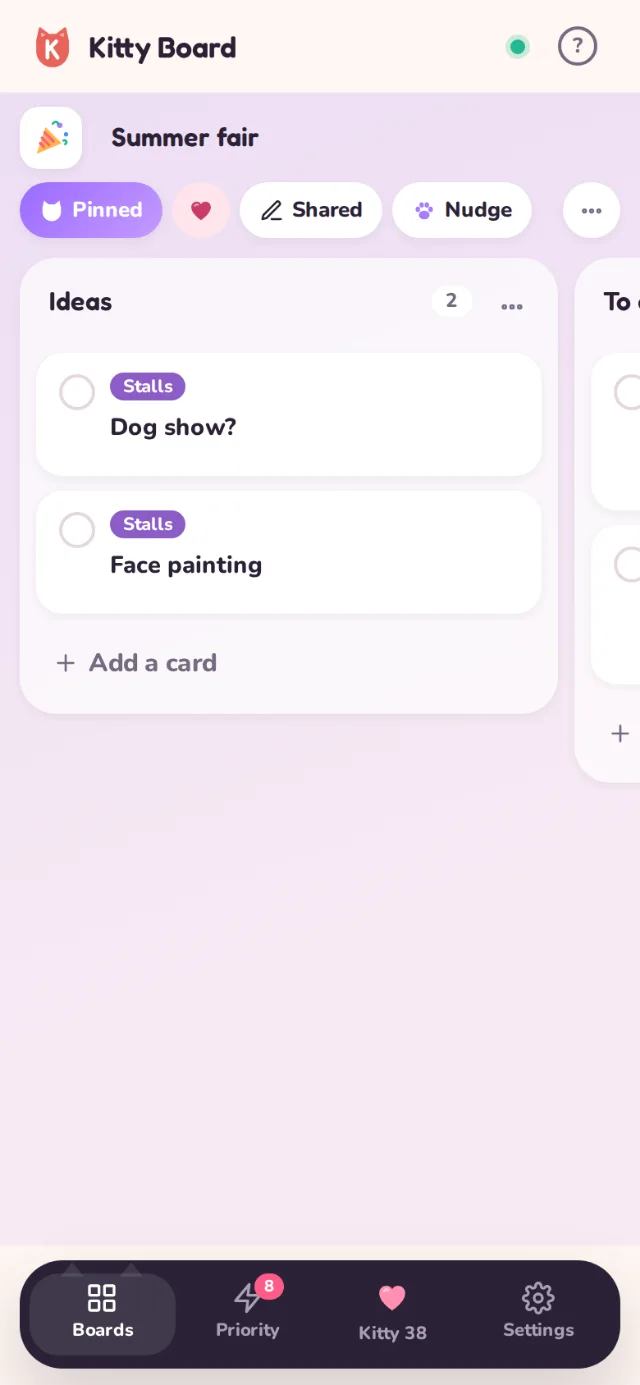
4. Your home screen
- Your Kitty Jar at the top: the hearts in your kitty, what came in this week and how many jobs are open.
- Jobs to OK from children, prize ideas and nudges, when there are any.
- Today: everything due today across your boards.
- Boards: pinned ones first, with a little progress bar.
Little tips pop up the first time you see something new. They fade on their own. To see them again, go to Settings, Help, Show tips again.
Next
Read Boards and cards, then Hearts and the Kitty Jar.